Samsung Galaxy S26 Ultra (SM-S948B): Local Privilege Escalation
Introduction
WIP: Place-holder blog post which I will complete in due course.
Getting root on newer Samsung devices is no longer easy since Samsung have removed the option to unlock the bootloader, however there are ways around this.
Device details
Ensure you have the same firmware and kernel version to ensure a higher chance of the exploit suceeding.
Firmware
Android 16
Released: 7/2/2026

PDA: S948BXXS4AZG5
CSC: S948BOXM4AZG5
Country: EEA (Europe)
Region: EUX

Upload date: 7/2/2026
Package size: 22.5 GB (24177658339 bytes)
File name: EUX-S948BXXS4AZG5-20260702135802.zip
Download available at https://www.sammobile.com/samsung/galaxy-s26-ultra/firmware/SM-S948B/EUX/download/S948BXXS4AZG5/1996077/ or using https://samloader.com/:
$ mkdir -pv SM-S948B/firmware
$ cd SM-S948B/firmware
$ wget -qO- 'https://github.com/topjohnwu/samloader-rs/releases/download/2.1.0/samloader-v2.1.0-linux-x86_64.zip' | bsdtar -xvf- -C .
$ chmod -v +x ./samloader
$ ./samloader download --model 'SM-S948B' --region 'EUX' --version 'S948BXXS4AZG5/S948BOXM4AZG5/S948BXXS4AZG5'
You should find SM-S948B_1_20260702135802_gcoaqtp276_fac.zip in the current working directory.
Unzip it, then you should find AP_S948BXXS4AZG5_S948BXXS4AZG5_MQB111616901_REV00_user_low_ship_MULTI_CERT_meta_OS16.tar.md5. After extracting that, you should find a file AP_S948BXXS4AZG5_S948BXXS4AZG5_MQB111616901_REV00_user_low_ship_MULTI_CERT_meta_OS16/init_boot.img.lz4 which is required for KernelSU, that is unless you want to use the init_boot.img I have supplied.
Kernel
Build: BP4A.251205.006.S948BXXS4AZG5
Build fingerprint: 'samsung/m3qxeea/m3q:16/BP4A.251205.006/S948BXXS4AZG5_OXM4AZG5:user/release-keys'
Bootloader: S948BXXS4AZG5
Radio: S948BXXS4AZG5,S948BXXS4AZG5
Network: ,O2 - UK
Module Metadata version: 371559000
Android SDK version: 36
SDK extensions: [ad_services=22, b=22, c=<not set>, r=22, s=22, t=22, u=22, v=22]
Kernel: Linux version 6.12.30-android16-5-pd30ff70-abogkiS948BXXS4AZG5-4k (kleaf@build-host) (Android (14043575, +pgo, +bolt, +lto, +mlgo, based on r536225) clang version 19.0.1 (https://android.googlesource.com/toolchain/llvm-project b3a530ec6537146650e42be89f1089e9a3588460), LLD 19.0.1) #1 SMP PREEMPT Thu Jul  2 00:16:21 UTC 2026
Mandatory photos and video
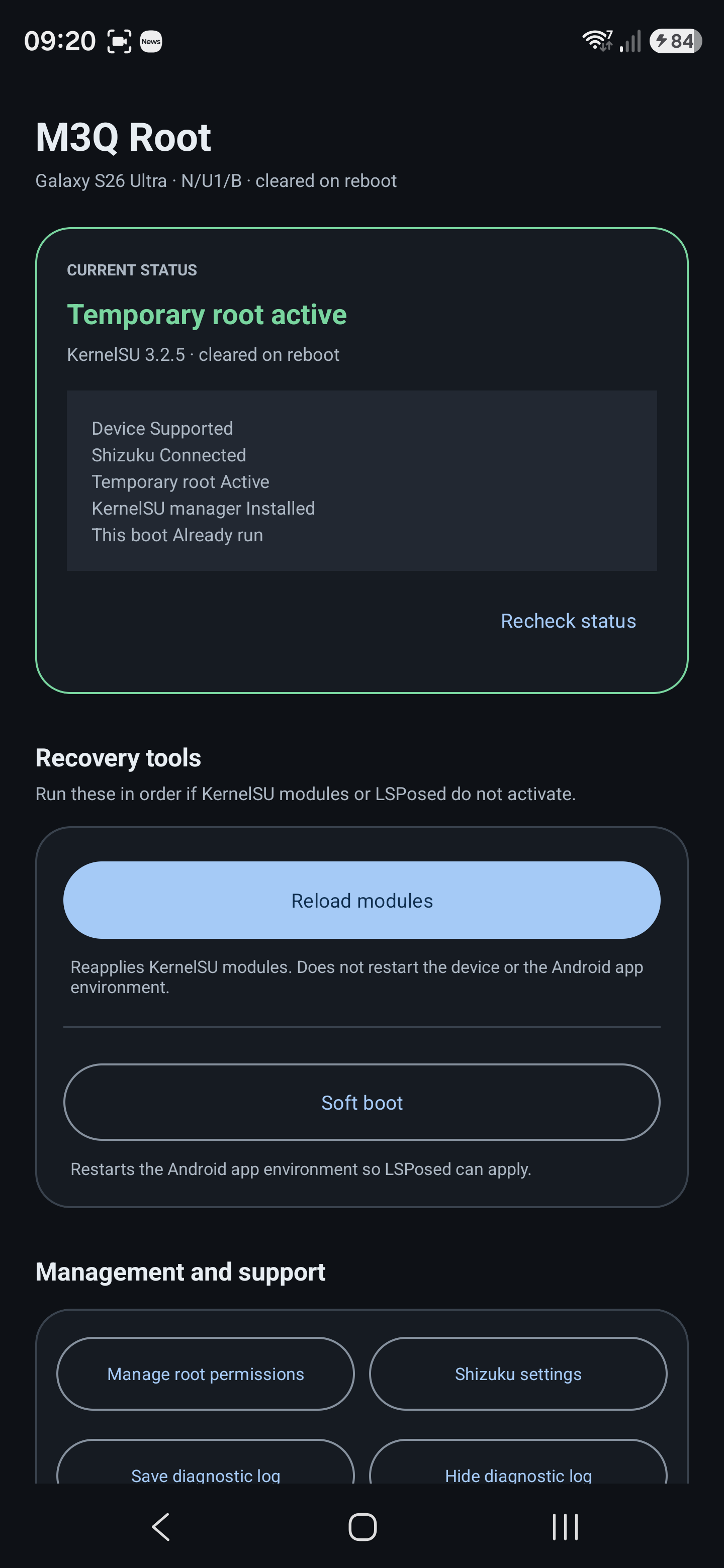
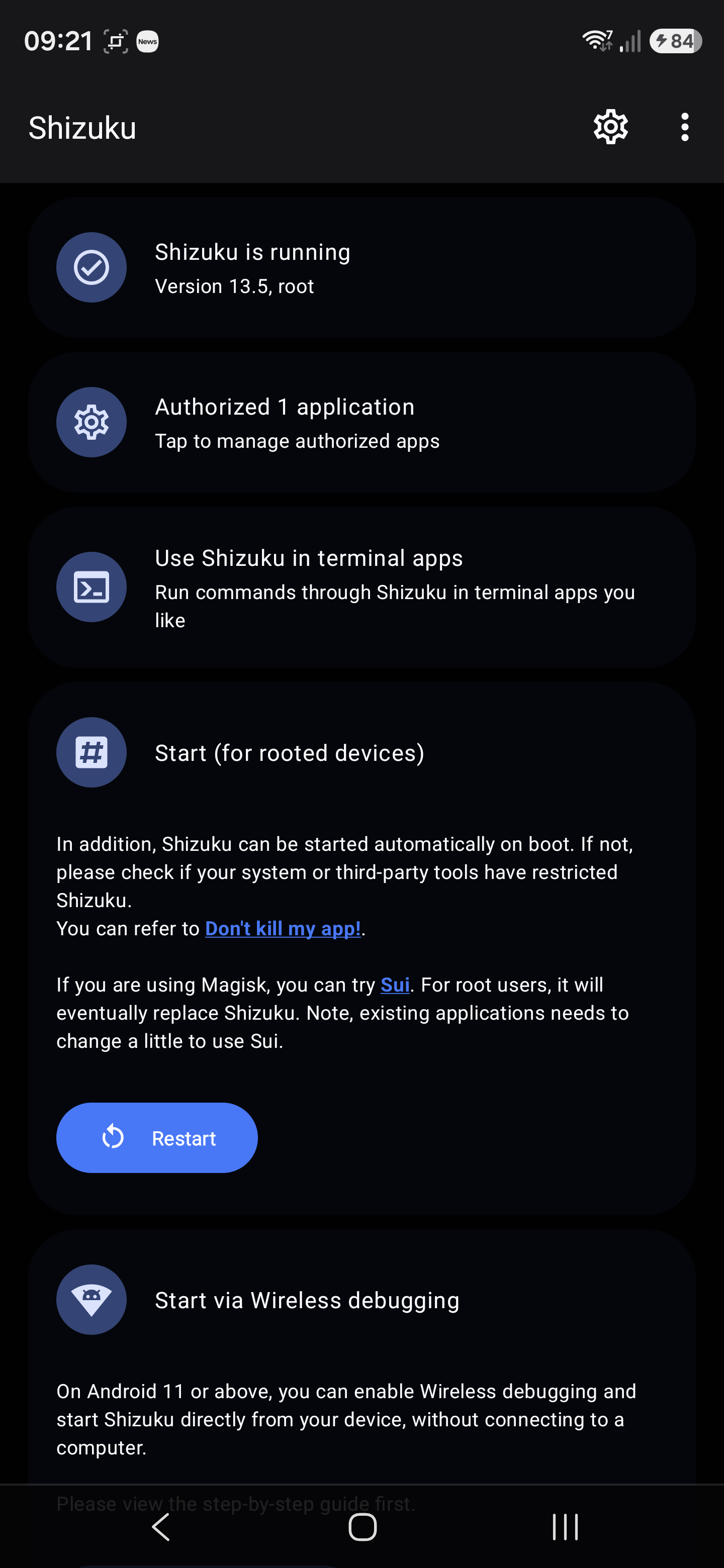
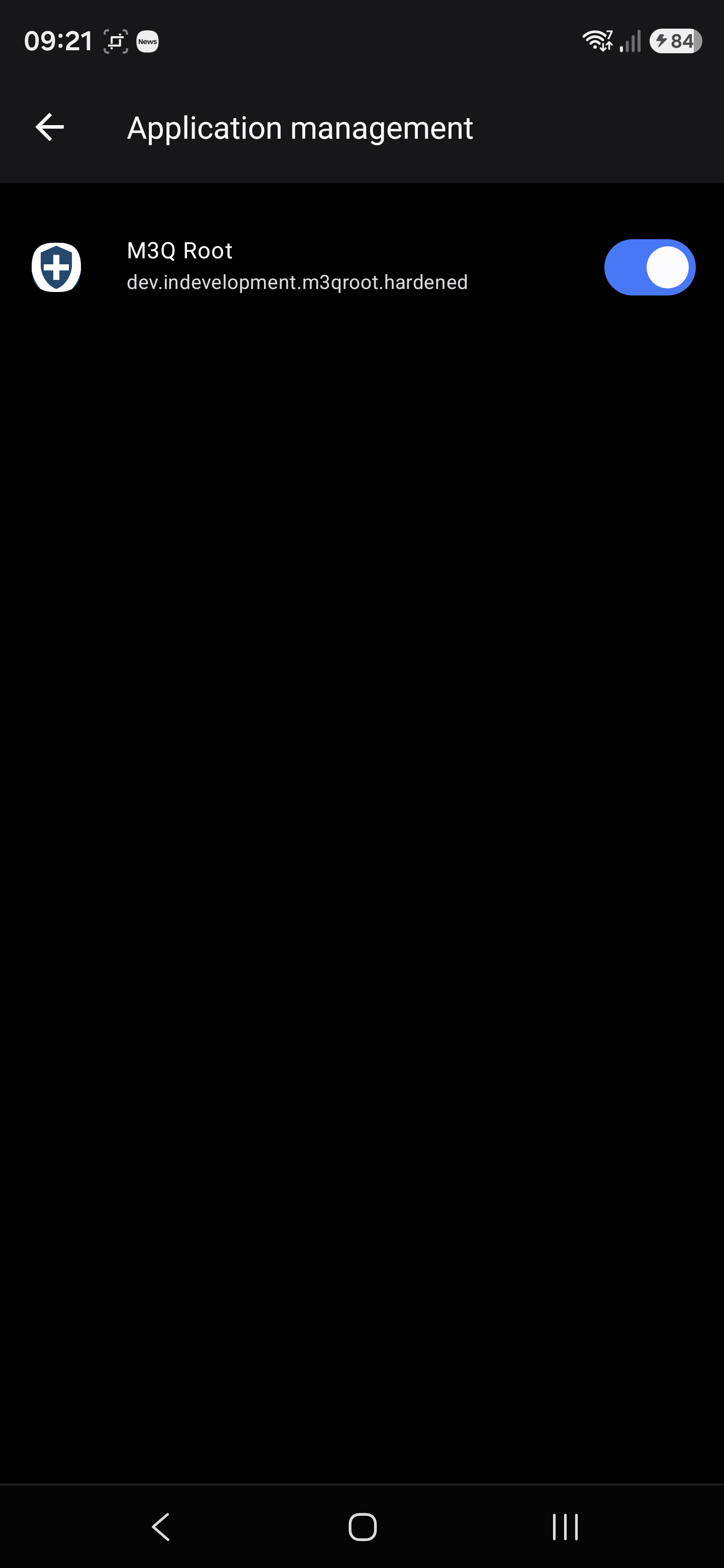
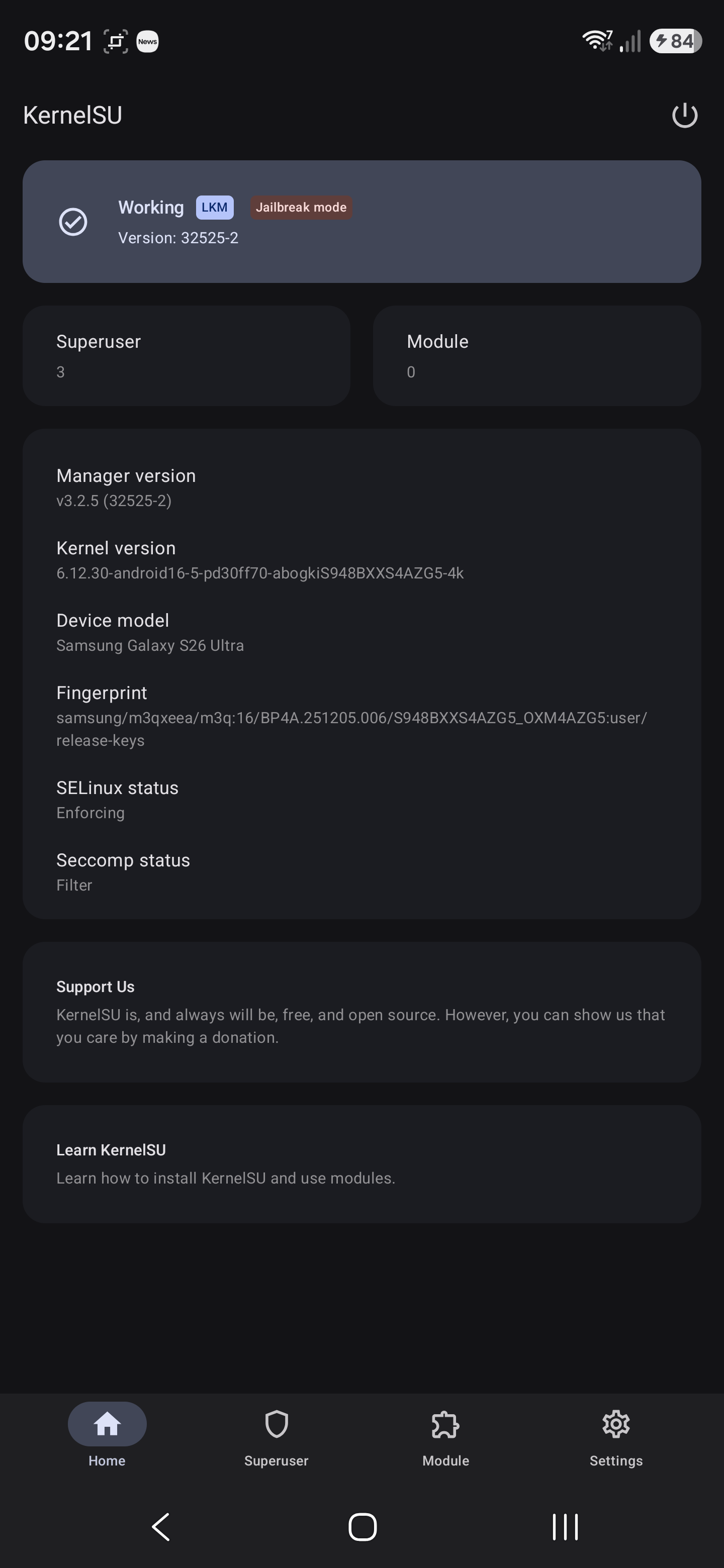
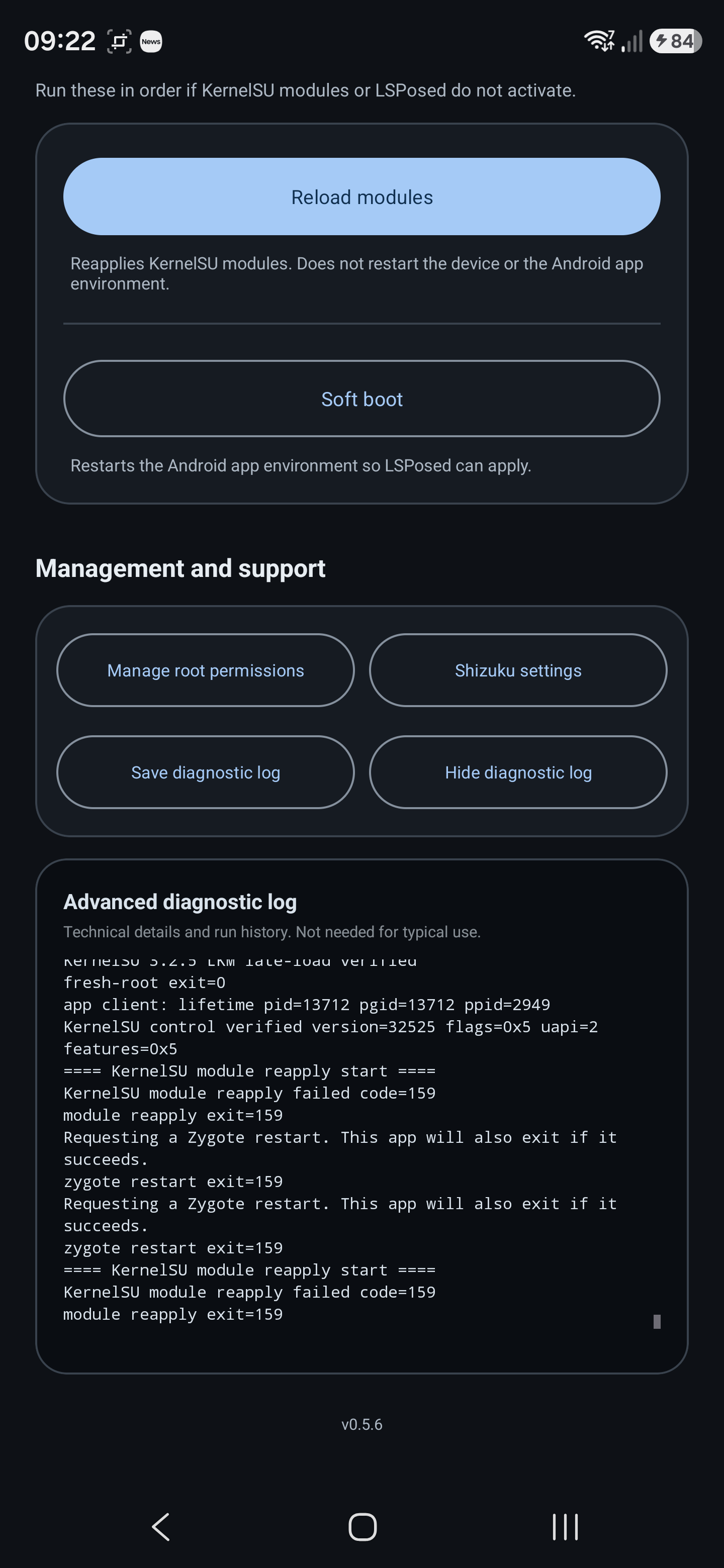
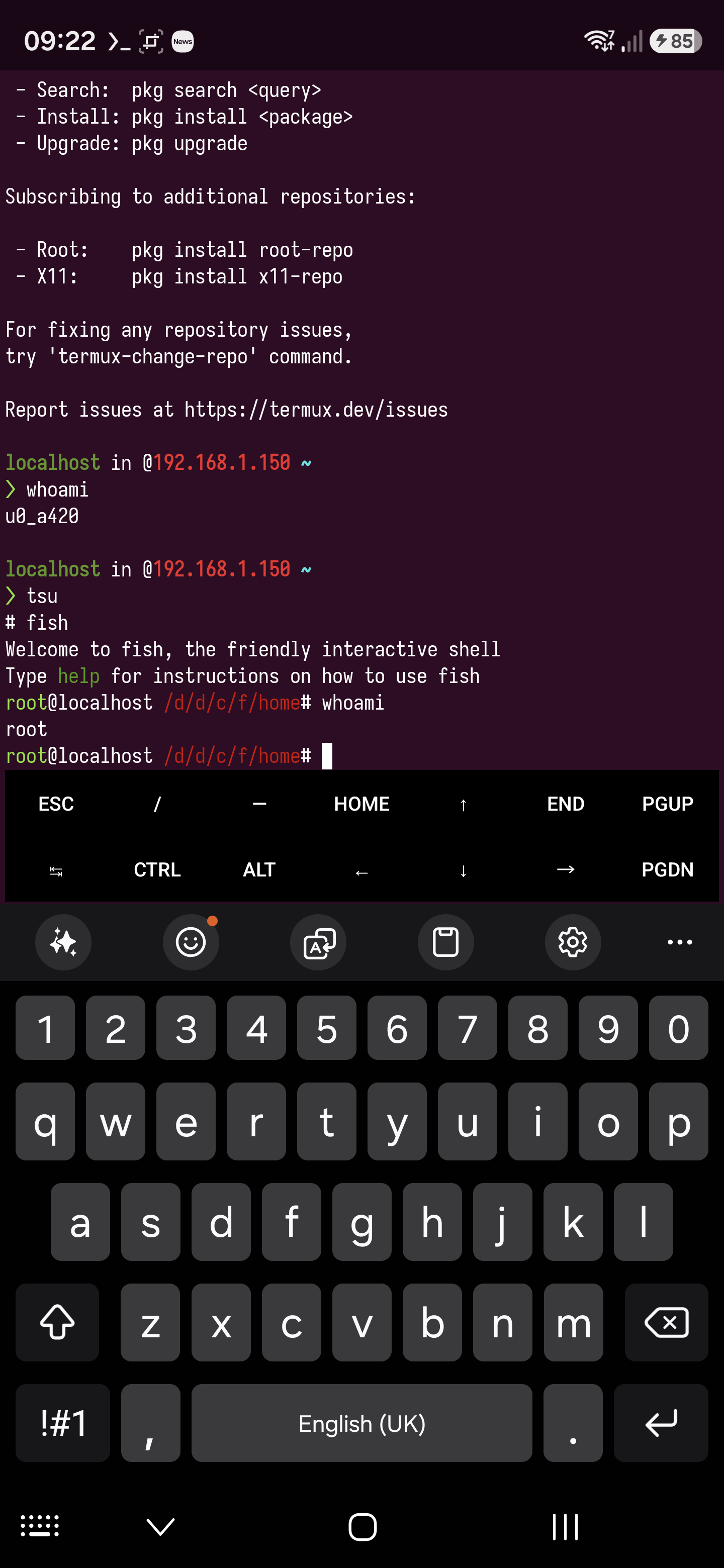
Quick Guide on becoming root
Files
shizuku-v13.6.0.r1086.2650830c-release.apkM3Q-EU.apkandroid16-6.12_kernelsu.koKernelSU_v3.2.5_32525-release.apkinit_boot.imginit_boot.img.lz4
Steps
- Install
shizuku-v13.6.0.r1086.2650830c-release.apk, then follow the instructions to enable it. The easiest way is to plug your phone into a computer and useadb. - Install
KernelSU_v3.2.5_32525-release.apk, the version used is important here. I would suggest you stick to using this version. - Install
M3Q-EU.apkand ensure you have given permissions to it viaShizuku. This was obtained from https://xdaforums.com/t/i-released-a-temporary-kernelsu-root-launcher-for-the-korean-galaxy-s26-ultra-sm-s948n-azg3-firmware.4798629/post-90708430.
Exploration
If you have termux installed, it would be wise to also install the tsu package, see https://github.com/cswl/tsu and https://github.com/termux/termux-root-packages:
$ pkg install -y root-repo
$ pkg install -y tsu
$ tsu
# <all_installed_termux_packages_are_available_to_use>
Yes, I know … these are deprecated/archived so one should not really use them.
The details
Thanks for reading and good luck.
-
https://nebusec.ai/research/ionstack-part-1-cve-2026-10702/. ↩︎
-
https://github.com/NebuSec/CyberMeowfia/tree/main/IonStack/CVE-2026-43499: See the
exploitandpocdirectories. I think this only applies to Google Pixel devices at the time of writing this. ↩︎ -
https://github.com/BuSung-dev/Root-My-Galaxy-Payloads: The above but ported to Samsung phones. ↩︎
-
https://github.com/monovibe/s26u-m3q-temp-root: The above but ported to Samsung phones. ↩︎